Where your clips go
2026 recap
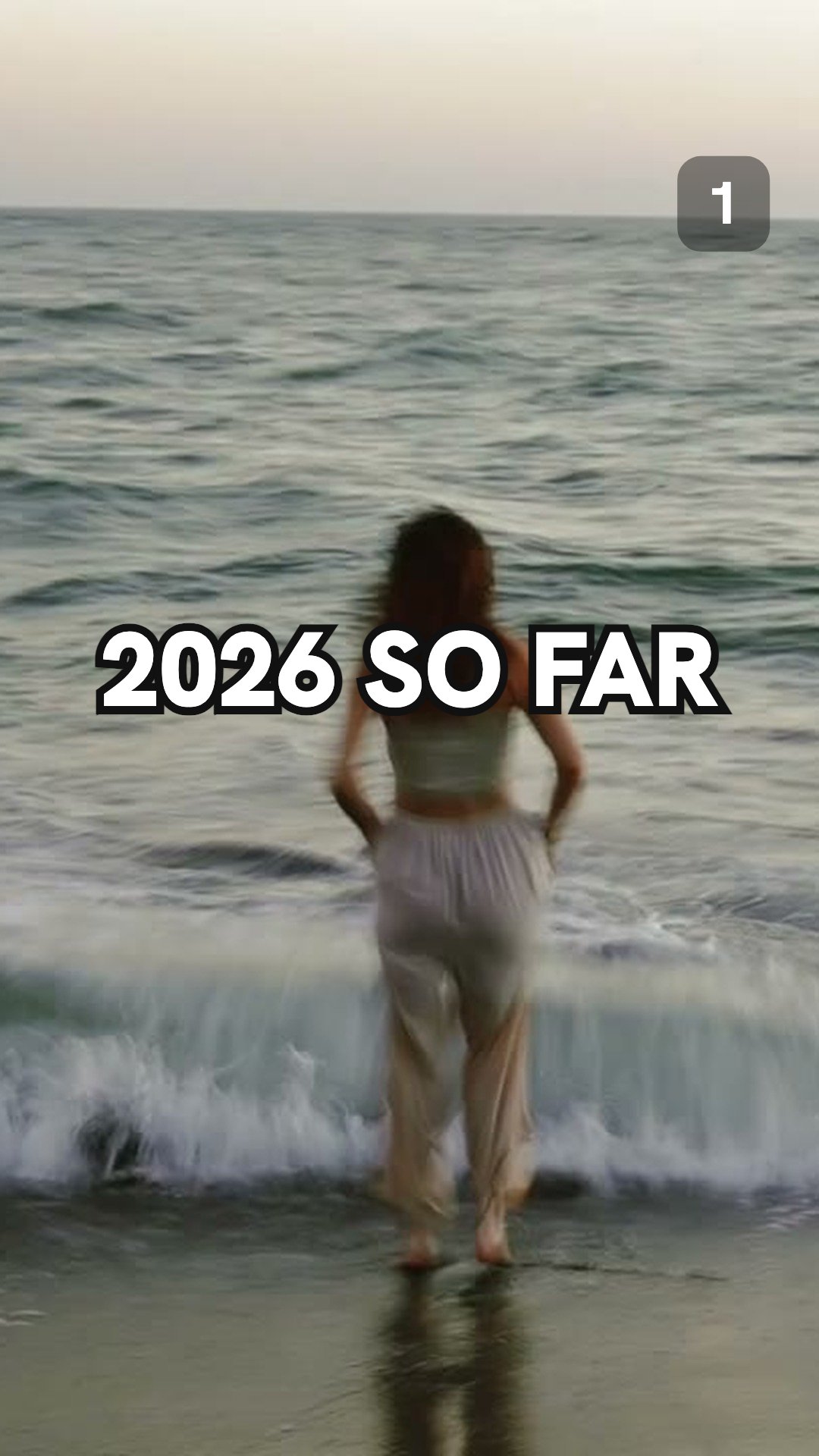
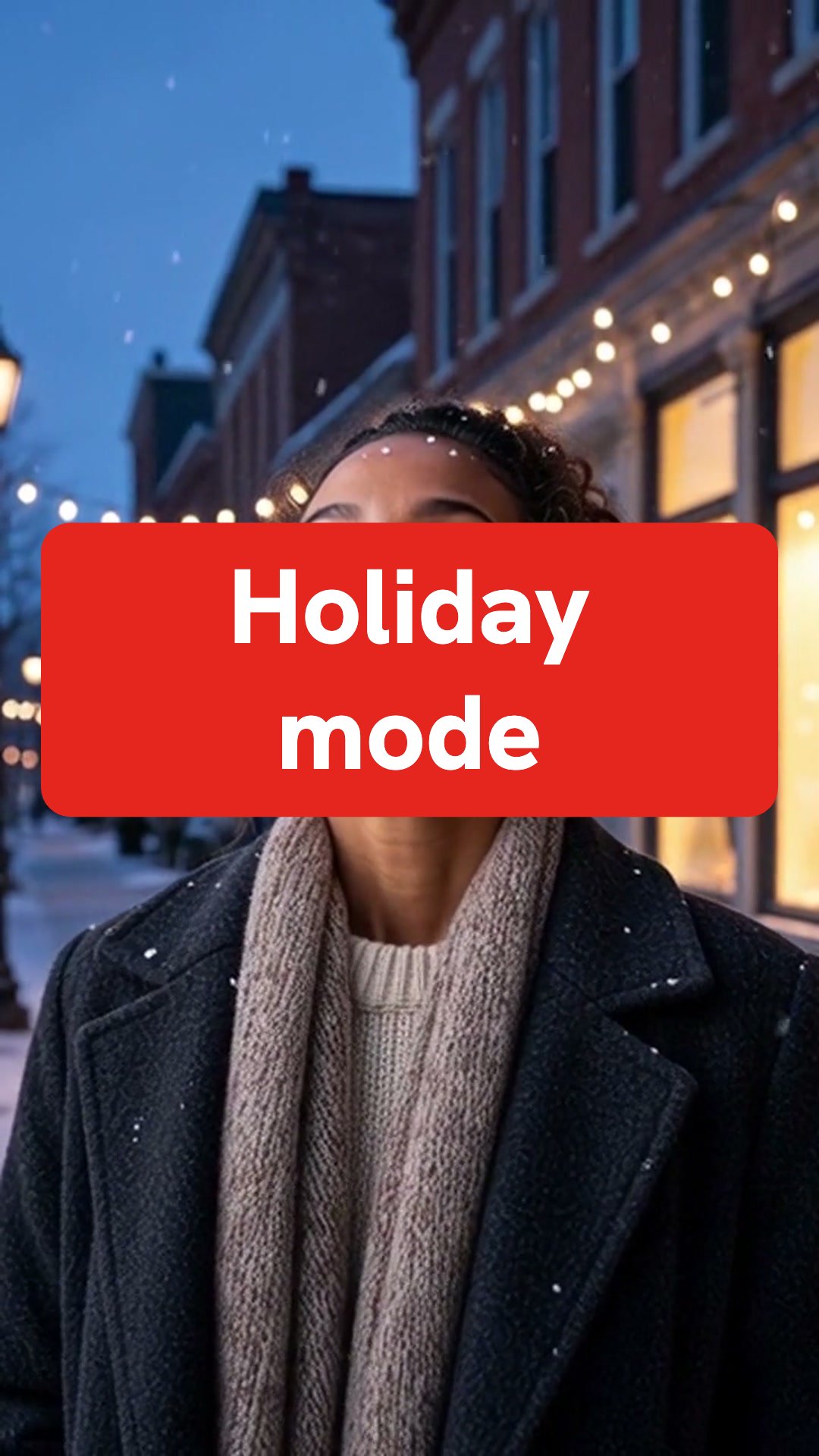
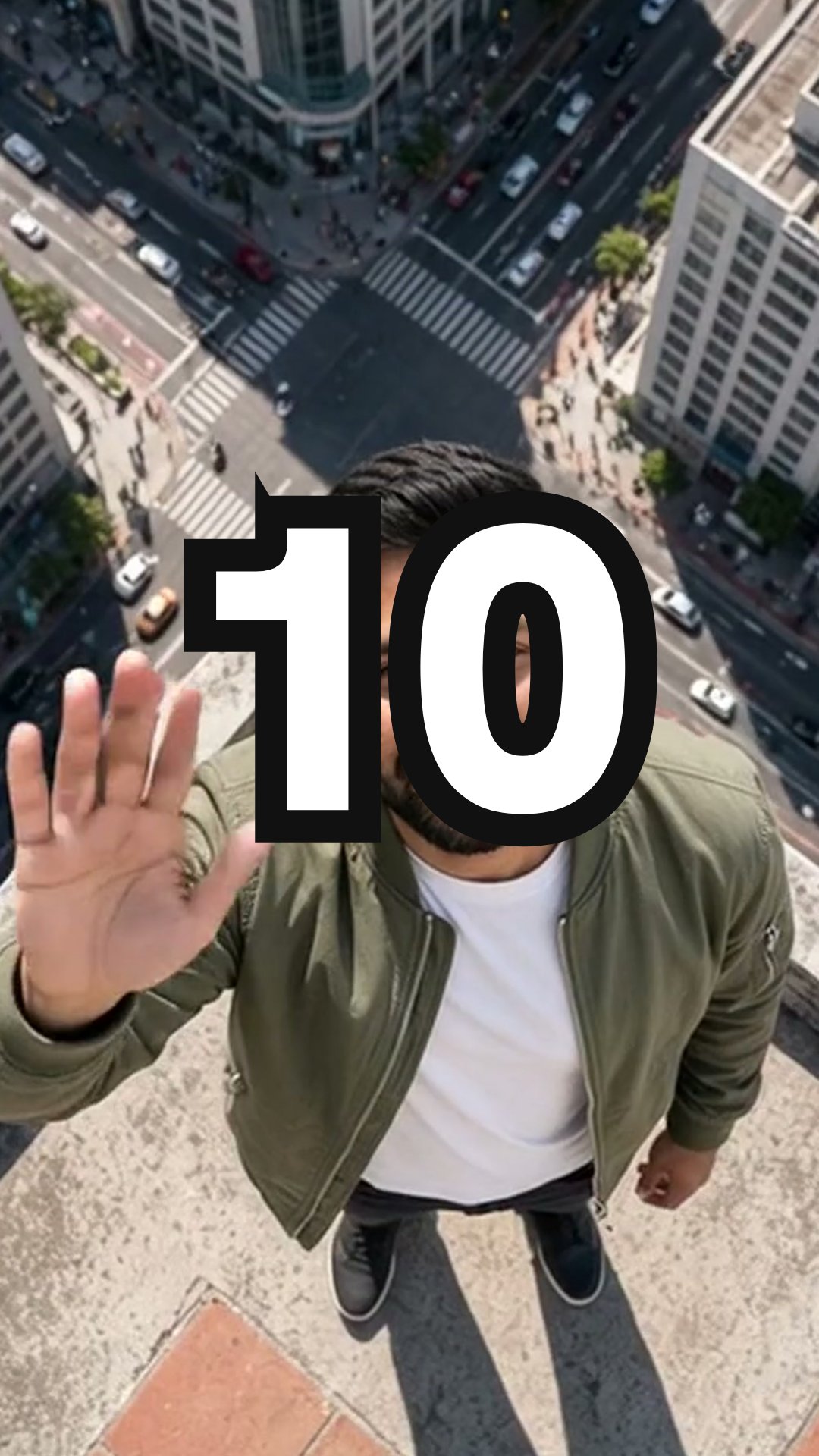
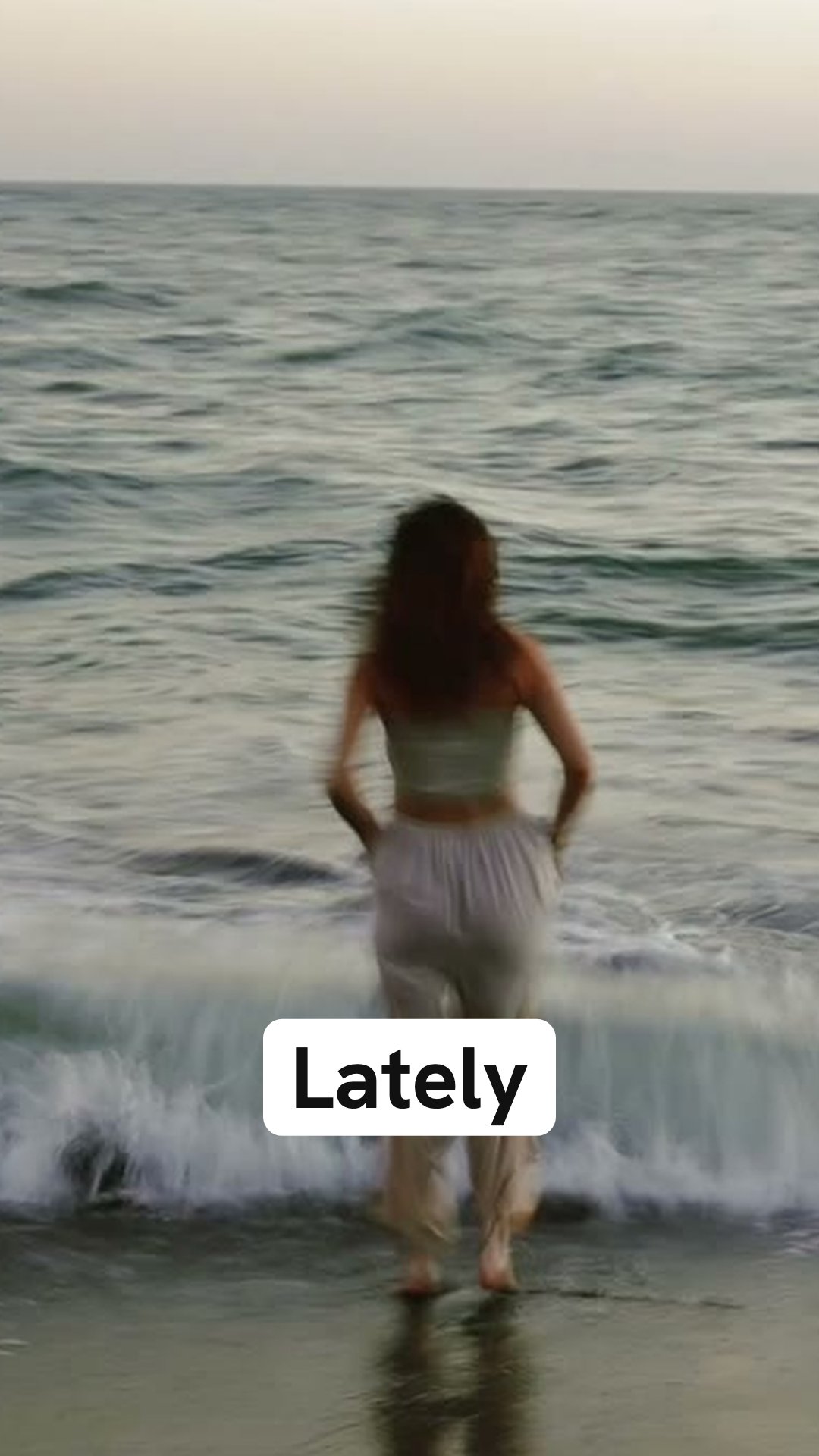
One photo or clip for each month of your year, cut on the beat, with the month in the corner and a goodbye to the year at the end.
- 12 clips
- 9:16
- About 13 s
- Your song, or none
Free. Your files stay on your device.
More like this
How this template works
- 1.Press Use this template. The editor opens on it, in your browser or the desktop app.
- 2.Add your clips. They fill the slots in the order you add them, and the cuts land on the beat.
- 3.Export the finished video, or change anything in the Editor or by asking the Director.
Editing runs on your device, so your clips are never uploaded. With fewer clips than slots, the template leaves slots out instead of repeating a clip.
Use this template